Sway - How to Merge Profiles

Written by Niki Budd
Updated at February 9th, 2026
Table of Contents
Merging duplicate profiles keeps each patient’s record complete and accurate in one place, supporting safer clinical decisions and continuity of care. It also prevents documentation errors, reporting issues, and compliance risks that can arise from fragmented or conflicting data across multiple profiles.
This feature is available on the ✅ Web Portal only and is not available on the ❌ Mobile Application.
Step-By-Step Tutorial:
- Select Tools

- Enter the Profile ID of the profile that you want all of the information to merge into in the “Profile to Keep” field. Enter the Profile ID of the profile that you are getting rid of by merging in the “Profile to Lose” field.

- Click “Merge Profiles,” and a confirmation screen will appear
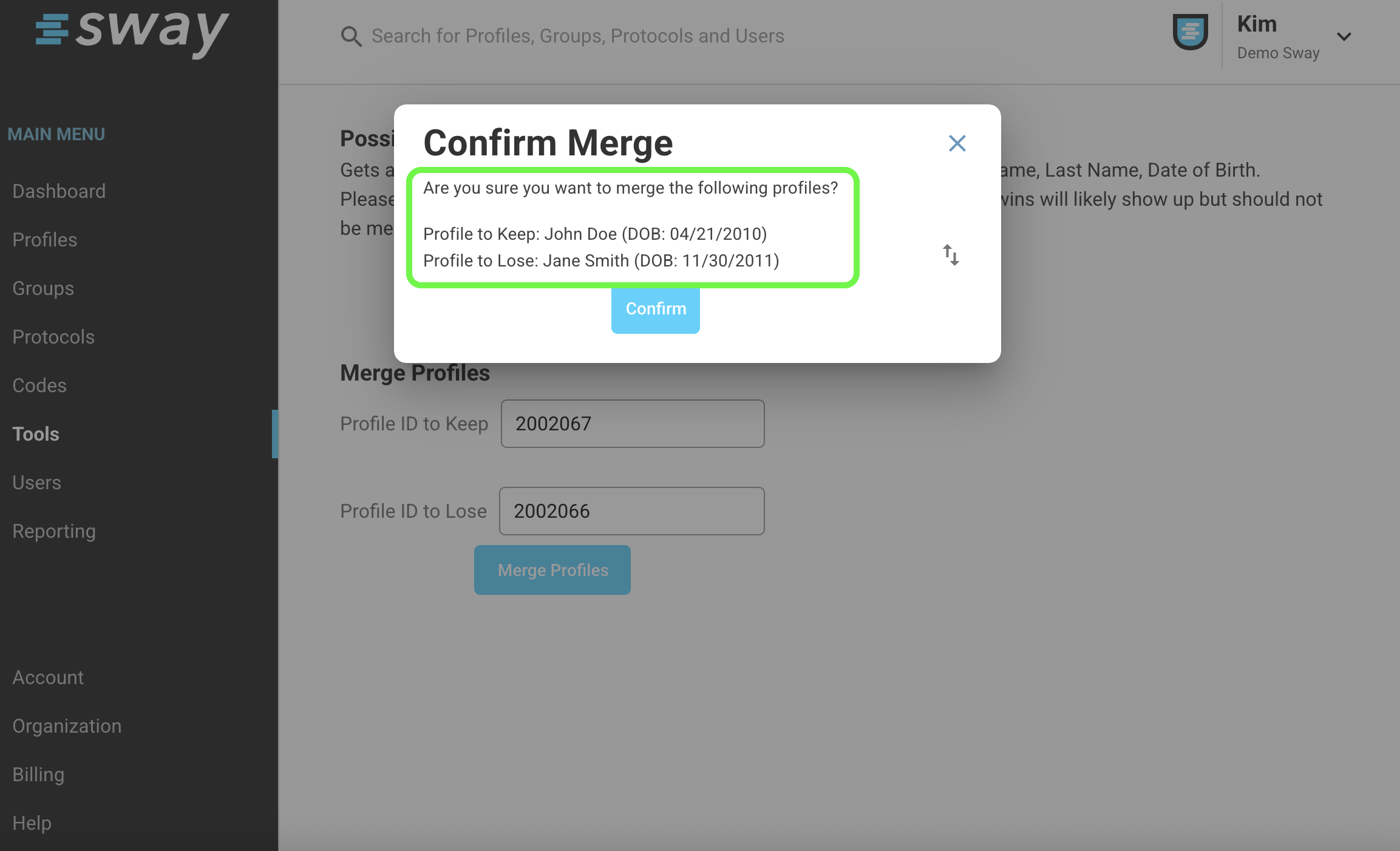
- You now have the option to flip the two profiles in case you entered them incorrectly the first time! Just hit the up/down arrow, as seen below.
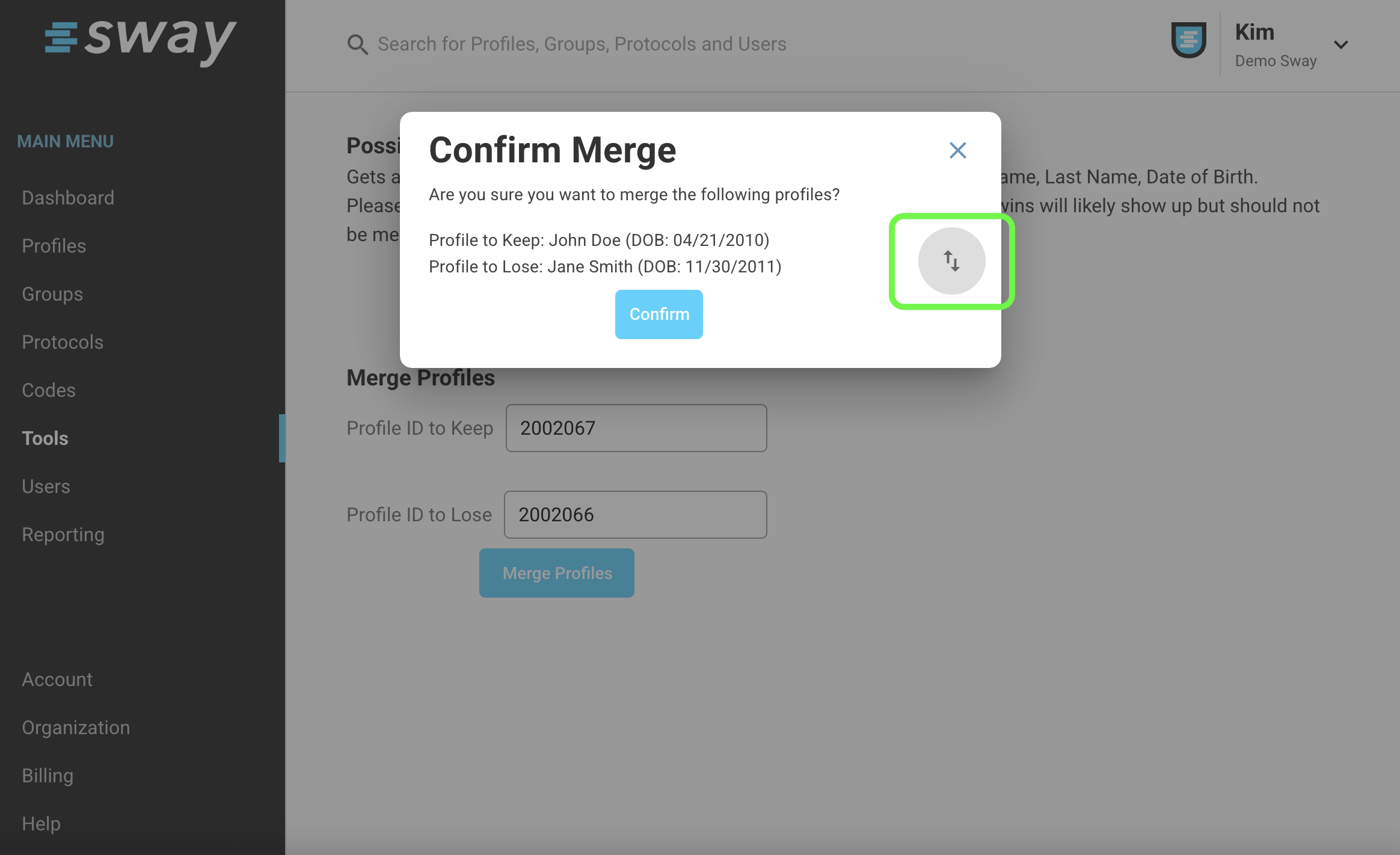
- Then click Confirm, and a green banner will appear to confirm that the two profiles have successfully merged